Where can I find class notes for my Tulane courses?
You can find class notes for Tulane courses on ASHE, a free website where Tulane students share notes they wrote themselves, along with study guides and syllabi. Everything is filed by Tulane course code, like ECON 1010 or MATH 1210, so you search your course and see what classmates have shared. Reading is free during the Fall 2026 pilot, and you don't need an account to read.
Find notes for my course Share my notes
How to find notes for your class on ASHE
- Open Browse and type your course code (for example ECON 1010) or the course name.
- Open the course to see the notes, study guides and syllabi other Tulane students have shared.
- Tap "This helped me" on the notes that helped you, so the best ones rise to the top.
- No notes for your class yet? Request them on the course page, and classmates can see what's needed.
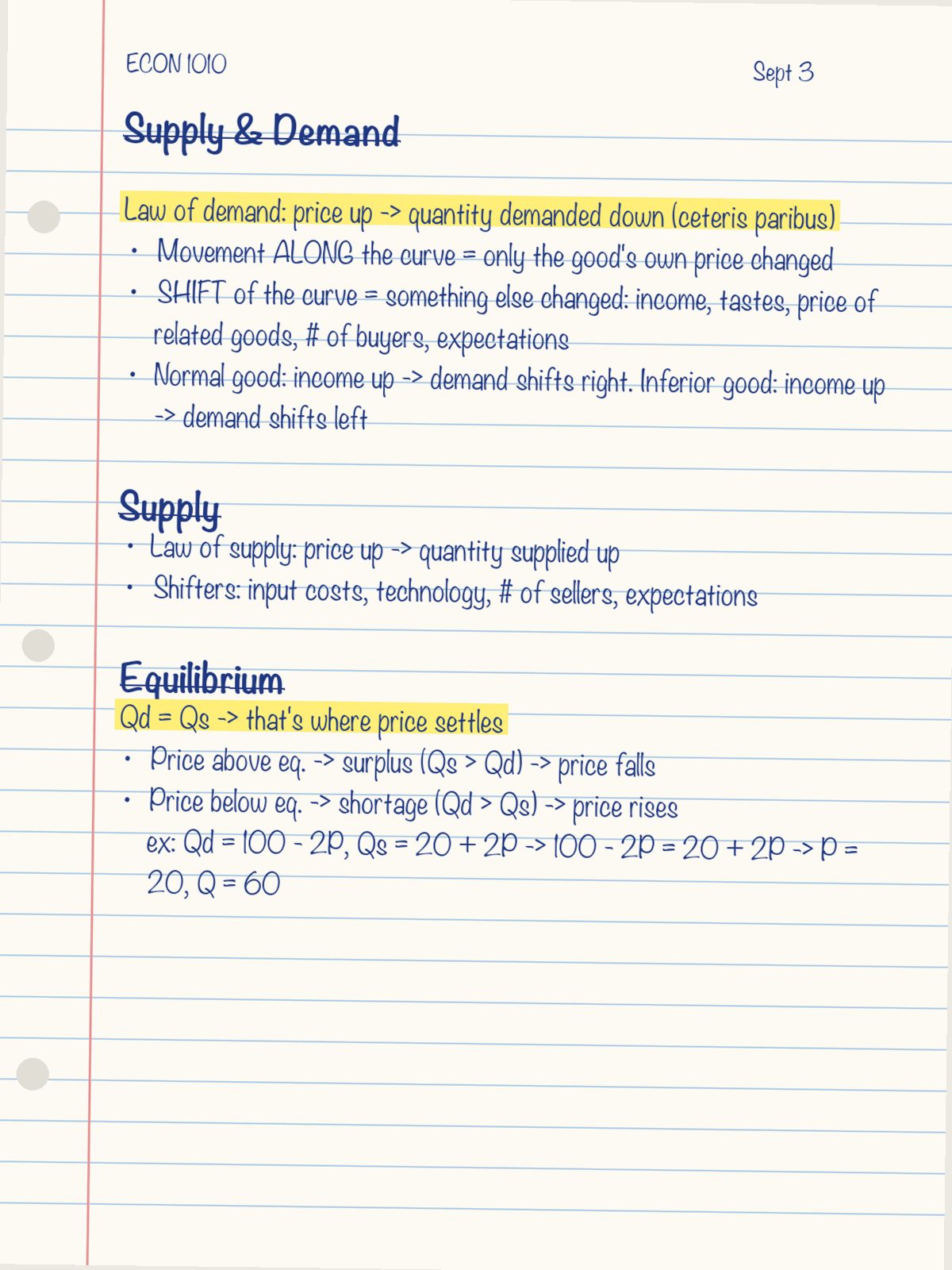
What's on ASHE, and what isn't
ASHE has three kinds of material: your own class notes, study guides you made, and course syllabi. It does not have exams, homework, answers or a professor's slides (see our Guidelines). ASHE is new, so the library is still small and grows each time a Tulane student shares. Uploading is always free.
Other places Tulane students get notes
- Class group chats and shared drives. Free, but notes get lost in the scroll, and they're only shared with the people in that chat.
- Your professor and TA. Office hours and Canvas are the first place to look for the official materials.
- Paid sites such as Chegg, Course Hero and Studocu. Big libraries, but most of it isn't from Tulane, and they charge about $8 to $40 a month (see the comparison).
Related: Is it OK to share class notes at Tulane? · ASHE FAQ